
Website Migration SEO: Checklist and Plan
· Cole Stark · 7 min read
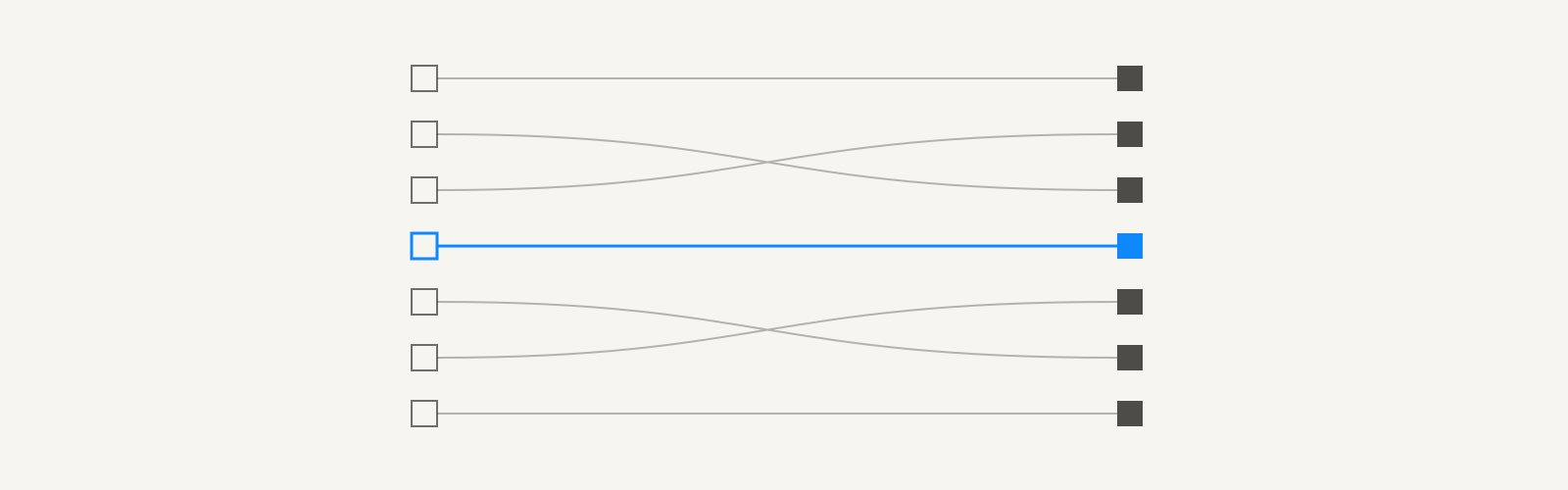
Website migration SEO is the work that keeps your rankings and traffic when you change your domain, URL structure, platform or design. The core of it is simple: map every old URL that matters to its closest new URL with a permanent redirect, keep the content and metadata that rank, test before launch, and monitor for weeks after. Most migrations that lose traffic skip one of those steps.
Google's own guide to site moves says to expect temporary ranking fluctuation, and that a medium-sized site can take a few weeks or more before Google shows the new URLs instead of the old ones. With good website migration SEO, that dip is short. Below is the plan.
Types of website migration
Not every migration carries the same risk. Know which kind you're doing:
| Migration | What changes | SEO risk | Key step |
|---|---|---|---|
| Domain change | The whole domain | High | Redirects plus Change of Address in Search Console |
| URL structure | Paths and slugs | High | A complete redirect map |
| Platform or CMS | The system behind the site, often URLs too | Medium to high | Check templates, rendering and redirects |
| Redesign | Layout, navigation, content | Medium | Keep ranking content and internal links |
| HTTP to HTTPS | Protocol | Low | Site-wide redirects and updated internal links |
| Hosting only | Servers, not URLs | Low | Test before switching DNS |
| Merging sites | Two sites into one | High | Map every page, decide what to keep |
Many projects combine several at once, like a redesign on a new CMS with new URLs. Each extra change adds risk, so separate them if you can.
SEO for website redesign and migration: start before design
Bring website migration SEO into the planning stage of a redesign, not the week before launch. Google's page on hiring an SEO makes the same point: a great time to bring one in is when you're considering a site redesign.
Before anything is built, set three baselines:
- Which pages bring organic traffic, signups and links. These are the pages you can't afford to lose.
- Current rankings, clicks and conversions by page, so you can compare after launch.
- The URL structure and internal linking you'll move to, decided with the keyword map in hand.
At Pieces, the full redesign and migration rebuilt the site around the keyword architecture from the earlier SEO work, as the Pieces case study describes. A migration is the best chance you'll get to fix structure, as long as the pages that already rank survive the move.
Website migration SEO checklist: before launch
Use this SEO migration guide as a checklist in the weeks before launch:
- Crawl the old site and save the full list of URLs, titles, meta descriptions, headings, canonical tags and internal links.
- Export top pages from Search Console and analytics, plus pages with external links, from the last 12 months.
- Build the redirect map: every old URL to its closest new equivalent.
- Carry over the content, titles and headings of pages that rank, unless you're deliberately improving them.
- Keep internal links pointing to the most important pages, using the new URLs directly.
- Block the staging site from search with a password, so it isn't indexed by mistake.
- Crawl the staging site and check templates, canonical tags, structured data, page speed and rendering.
- Prepare new XML sitemaps and confirm the analytics tags and conversion events work.
- Verify the new site, and every version of it, in Search Console.
Build the redirect map
The redirect map is the most important document in any site migration SEO project. Each old URL should send people and Google to the page that best replaces it.
- Use permanent URL redirection. Google recommends permanent server-side redirects, such as 301 or 308, where possible.
- Redirect one to one. Each old page goes to its closest new equivalent, not to the homepage.
- If a page has no equivalent and no value, let it return a 404 or 410 rather than redirecting it somewhere irrelevant.
- Avoid chains. Old URLs that already redirect should point straight to the final new URL.
- Include URLs with external links, even if they get little traffic. Those links carry authority.
Mass redirects to the homepage are the classic mistake. Visitors land on a page that doesn't answer what they came for, and the relevance the old page built up doesn't carry over.
Launch day
On launch day, website migration SEO comes down to working through this list in order:
- Deploy the redirects and test a sample of old URLs, especially the top pages.
- Remove any password, robots.txt block or noindex tag carried over from staging.
- Check that canonical tags point to the new URLs, not the old domain or the staging site.
- Submit the new sitemaps in Search Console.
- If the domain changed, submit a Change of Address for the old site in Search Console.
- Update internal links, navigation and your highest-value external links to point to the new URLs.
Google recommends moving all URLs at once for small and medium sites. Large sites can move in sections, which makes problems easier to spot.
After launch: monitor the migration
An SEO website migration isn't finished at launch. For the next few weeks, check:
- Search Console's page indexing report for spikes in errors, redirects or pages excluded from the index.
- Crawl errors and 404s from old URLs you missed. Add redirects for any that have traffic or links.
- Clicks and impressions for your top pages, compared with the baseline.
- Conversions by landing page, to catch tracking that broke in the move.
- Server logs, if you have them, to confirm Googlebot is crawling the new URLs.
Keep the redirects for as long as possible. Google's guidance is generally at least a year, and longer is better for users with old bookmarks and links.
If traffic hasn't recovered after a few months, my guide to why is my SEO not working covers the diagnosis.
Common website migration SEO mistakes
- Launching with the staging site's noindex tag or robots.txt block still in place.
- Redirecting every old page to the homepage.
- Dropping content from pages that ranked because it didn't fit the new design.
- Changing domain, URLs, platform and content all at once, so nobody can tell what caused a drop.
- Forgetting old URLs with external links, because they didn't show up in the analytics export.
- Removing redirects a few months after launch.
Website migration SEO is risk management
Website migration SEO is mostly about not losing what you've earned: the rankings, links and traffic behind your best pages. Map every URL that matters, test before launch, follow the launch list and watch the numbers for weeks. Done carefully, a migration is also the best moment to fix site structure and come out ahead.
Planning and checking migrations is part of my SEO and GEO services. For the technical side of a SaaS site, see my guide to SaaS technical SEO, and for the wider playbook, SEO for SaaS startups.
Website Migration SEO FAQs
Will a website migration hurt SEO?
A website migration can hurt SEO temporarily, and badly if redirects are missing or content is lost. Google says to expect temporary ranking fluctuation during a move. With a complete redirect map, preserved content, testing before launch and close monitoring after, well-planned migrations usually recover their rankings within weeks to a few months.
How long does it take to recover after a website migration?
Recovering after a website migration usually takes a few weeks for a medium-sized site, according to Google's guidance on site moves, and longer for large sites. Recovery depends on how complete the redirects are and how much content changed. If traffic is still well below baseline after a few months, look for missing redirects, indexing problems or lost content.
How long should you keep 301 redirects after a migration?
You should keep 301 redirects after a migration for as long as possible, and generally at least a year, according to Google's site move guidance. Keeping them indefinitely is better for users and for old external links. Removing redirects early can lose the authority those old URLs earned.
Should you migrate a website all at once or in sections?
You should usually migrate a small or medium website all at once, which is what Google recommends. Large sites can move in sections, such as one subfolder at a time, which makes problems easier to monitor and fix. Either way, avoid changing domain, URL structure, platform and content in the same release if you can separate them.
What is site migration SEO?
Site migration SEO is the planning, redirect mapping, testing and monitoring that protects search rankings when a website changes its domain, URLs, platform or design. It includes auditing the old site, mapping old URLs to new ones with permanent redirects, preserving ranking content, checking the new site before launch and tracking indexing and traffic after.
Do you need the Change of Address tool for a migration?
You need Search Console's Change of Address tool when you move to a new domain or subdomain. Google says it isn't needed for moves from HTTP to HTTPS, switches between www and non-www, or path changes within the same domain. Use it alongside permanent redirects, not instead of them.